> ## Documentation Index
> Fetch the complete documentation index at: https://docs.meld.io/llms.txt
> Use this file to discover all available pages before exploring further.
# Step 2: Adding Your Service Providers
Connect your existing service-provider credentials (Plaid, Finicity, MX, Salt Edge, Yodlee, Akoya, etc.) to the Meld Dashboard so that a single Meld API key can route calls to any of them.
## Before you begin
* You have completed [Step 1: Accept your Dashboard invite](/docs/bank-linking/onboarding/step-1-accept-your-dashboard-invite).
* You have API credentials (typically an API ID and an API secret) for at least one provider you want to use.
If Meld is adding bank-linking partners (Plaid, Finicity, MX) on your behalf, you can skip this step. This only applies if you have your own API credentials for one or more of those partners.
## Steps
1. In the Meld Dashboard, go to the **Integrations** tab.
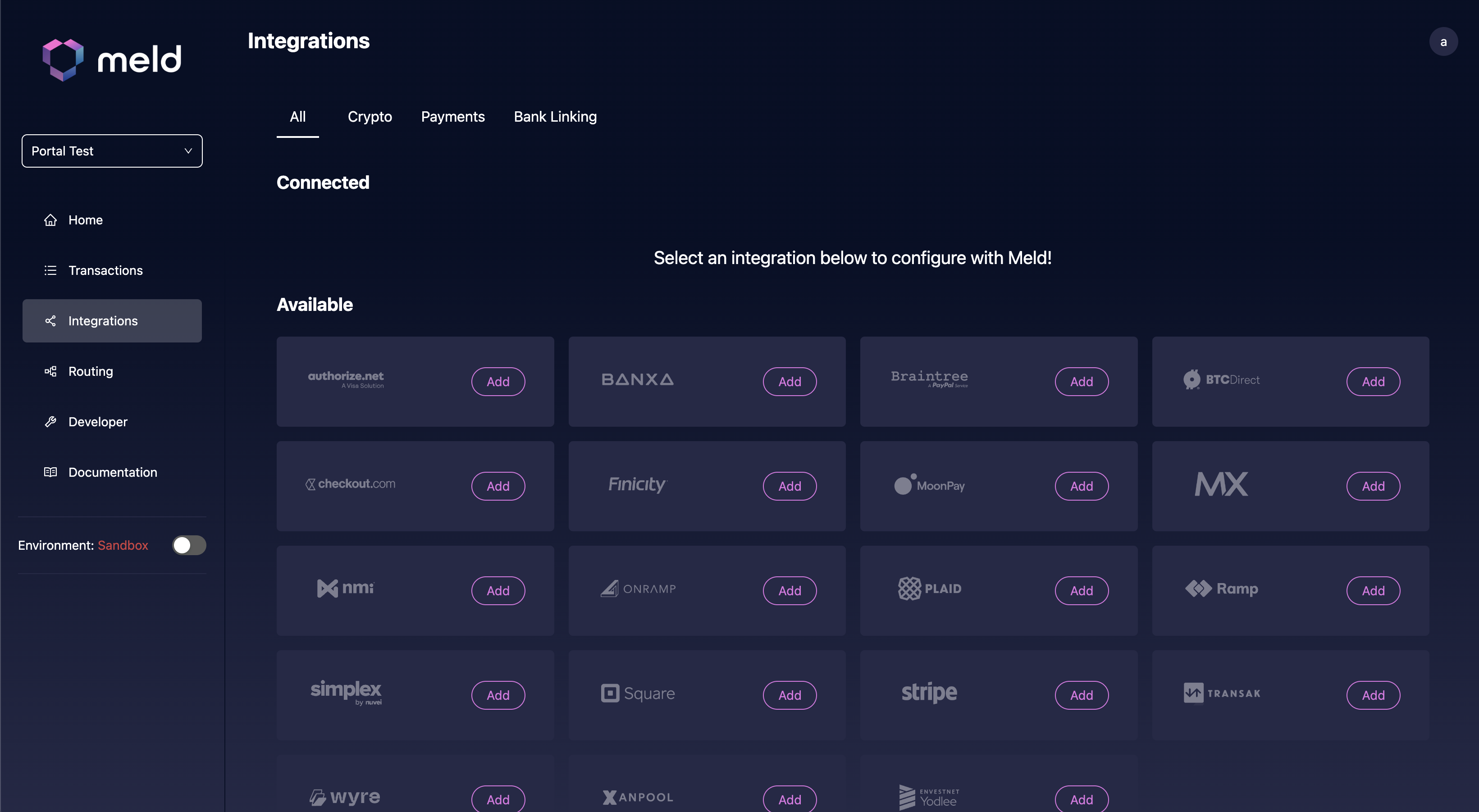
2. Select the provider you want to add and enter the credentials shown in the form. Each provider has a different set of fields — the Dashboard indicates which are required.
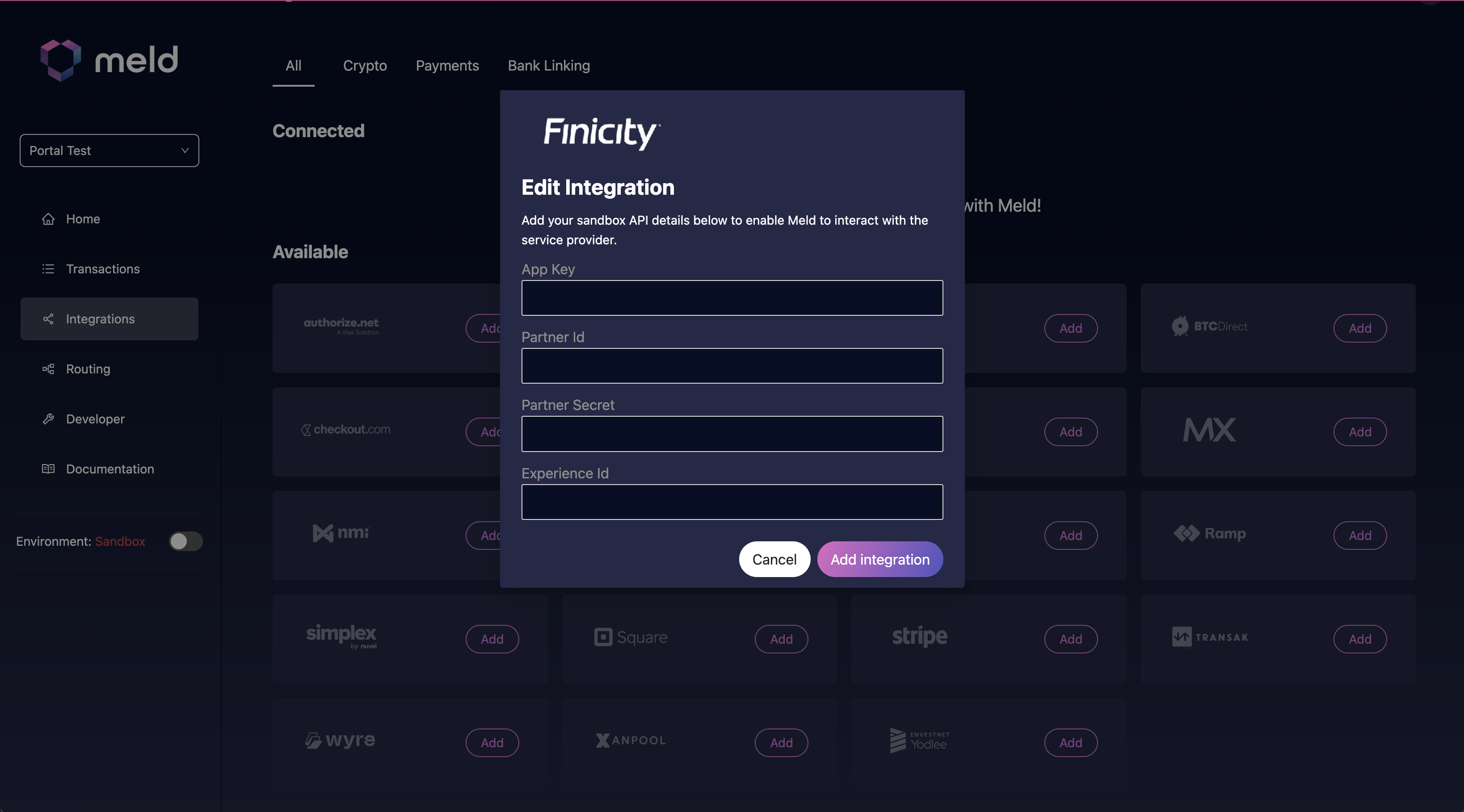
3. Click **Add Integration** to save the credentials.
You can add 1 of each integration per account. For example, a single account can have 1 Finicity integration. Once this step is complete, Meld stores your credentials for all your providers under a single API key.