- Font — This is the font shown for all text within the Meld picker
- Institution Select Text — This is the text at the top of the Meld picker
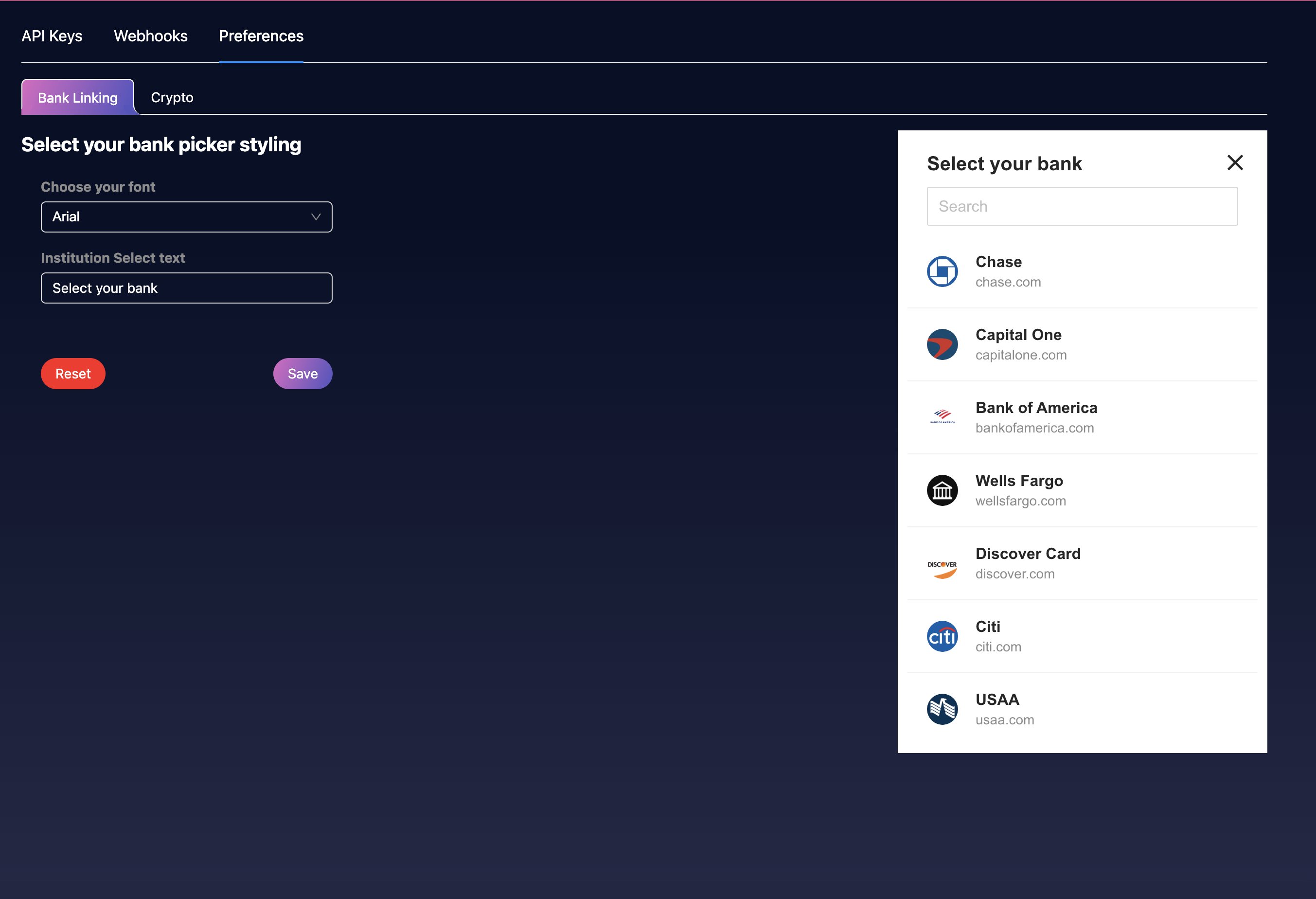 These values are prepopulated with defaults; press Reset to restore them.
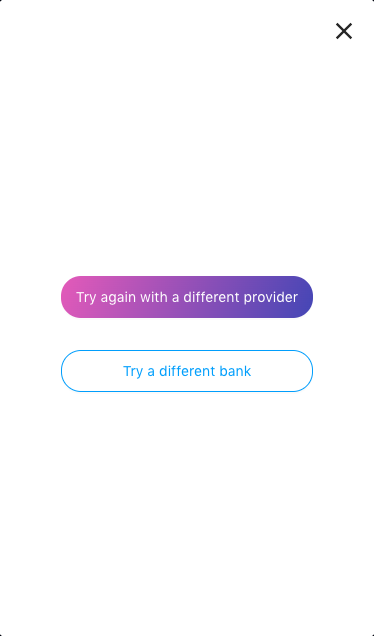
You can also customize the colors of the Routing Retry buttons.
These values are prepopulated with defaults; press Reset to restore them.
You can also customize the colors of the Routing Retry buttons.
To customize Routing Retry button colors, contact Meld support — this is currently a Meld-assisted configuration rather than a self-serve setting.