

Before you begin
- Meld has created a Dashboard account for you and sent you an invite email. If you have not received one, contact Meld.
Steps
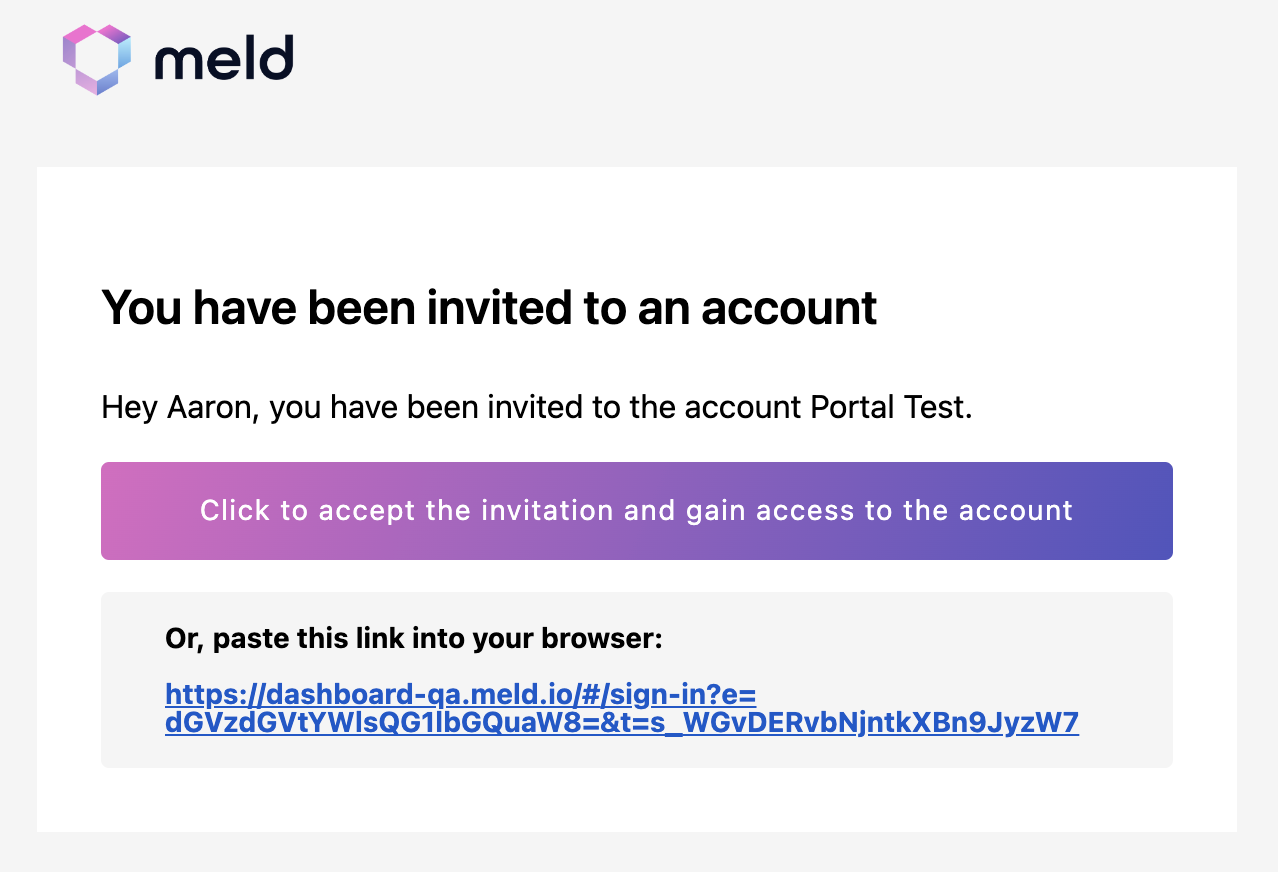
- Check your email and open the invitation from Meld.
-
Click the invite link.
- Set a password (if this is your first Meld account) or sign in with your existing Meld credentials.
- Confirm you can see your account in the dropdown in the top left of the Dashboard.
You can belong to multiple Meld accounts (for example, sandbox and production). Use the dropdown in the top left of the Dashboard to switch between them.