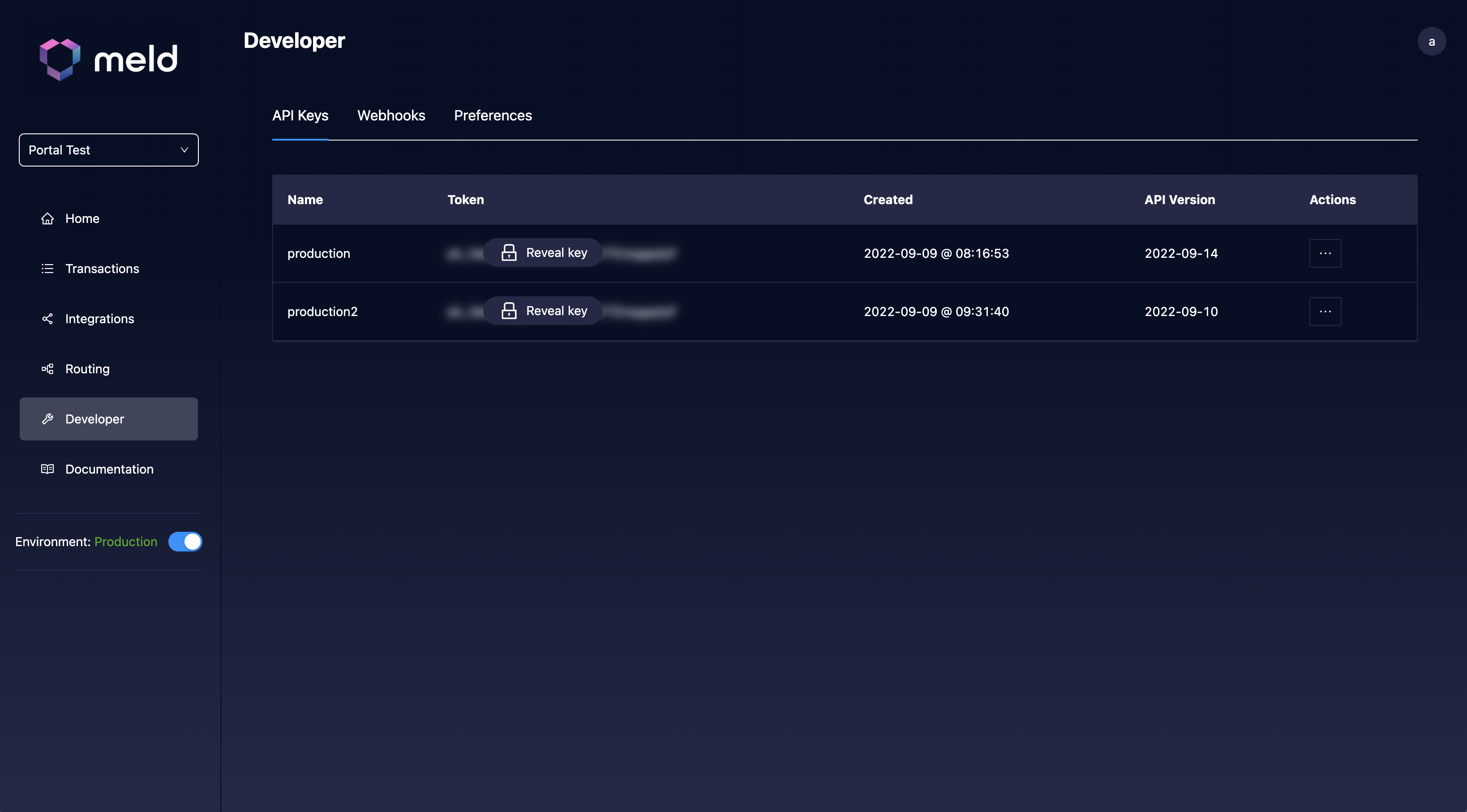
Grab your Meld API key from the Developer tab of the Meld Dashboard.
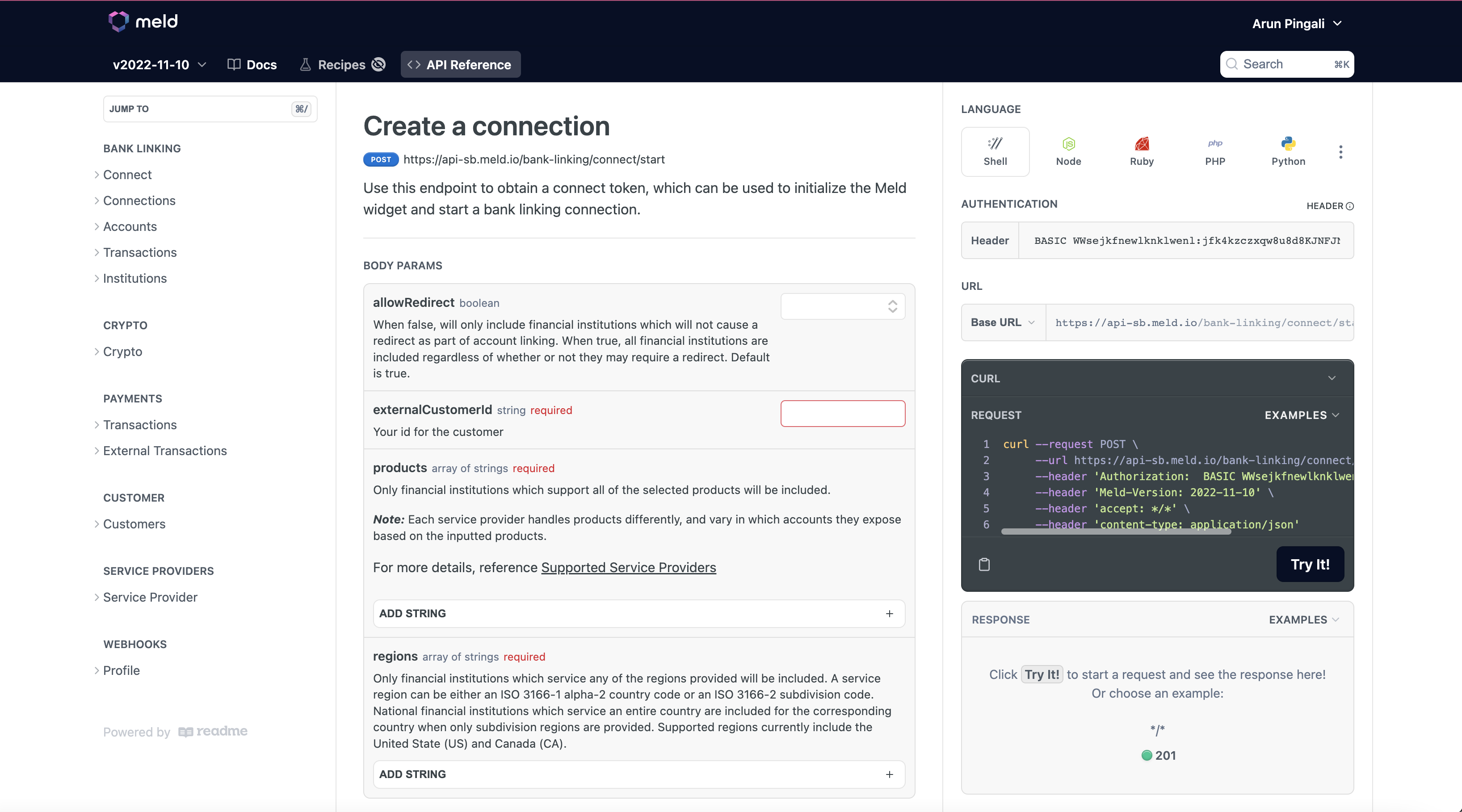
Use your API key to make a call to one of the Bank Linking API endpoints. Prefix the key with the word BASIC in the Authorization header — for example, Authorization: BASIC <your-api-key>.
Use the correct Base URL for the environment your key belongs to:
Environment
API Base URL
Sandbox
https://api-sb.meld.io
Production
https://api.meld.io
You can figure out which environment your key works for by looking at the toggle in the bottom left of the Dashboard.
Fill out all fields marked as Required in the API Reference; the call will fail without them.
A sandbox key only works against https://api-sb.meld.io, and a production key only works against https://api.meld.io. Mixing them produces an authentication error.
Assistant
Responses are generated using AI and may contain mistakes.