

Before you begin
- You have completed Step 1: Accept your Dashboard invite.
- You have API credentials (typically an API ID and an API secret) for at least one provider you want to use.
If Meld is adding bank-linking partners (Plaid, Finicity, MX) on your behalf, you can skip this step. This only applies if you have your own API credentials for one or more of those partners.
Steps
-
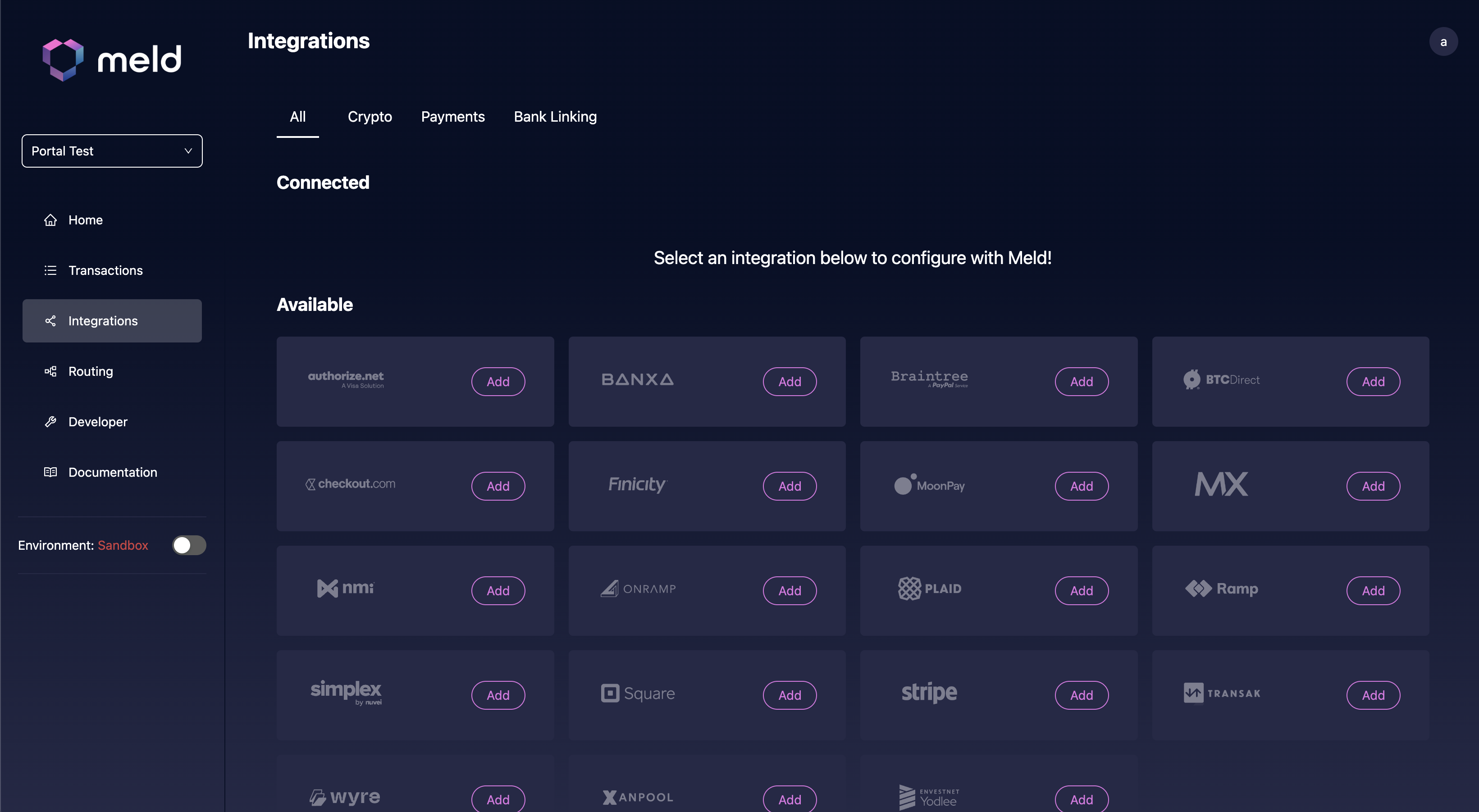
In the Meld Dashboard, go to the Integrations tab.
-
Select the provider you want to add and enter the credentials shown in the form. Each provider has a different set of fields — the Dashboard indicates which are required.
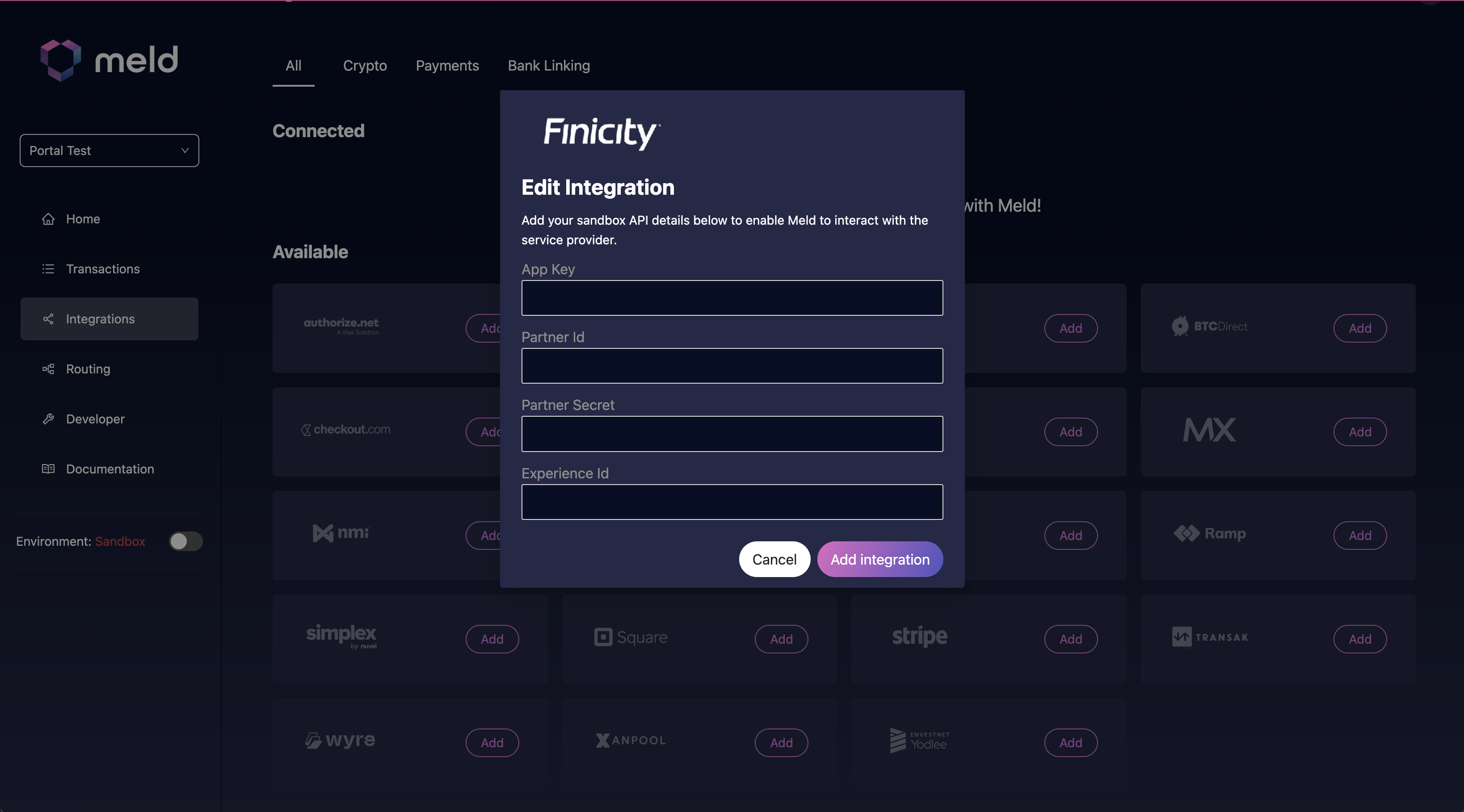
- Click Add Integration to save the credentials.
You can add 1 of each integration per account. For example, a single account can have 1 Finicity integration. Once this step is complete, Meld stores your credentials for all your providers under a single API key.