Before you begin
- You have completed Step 2: Add your service providers.
Not using the Crypto Wizard
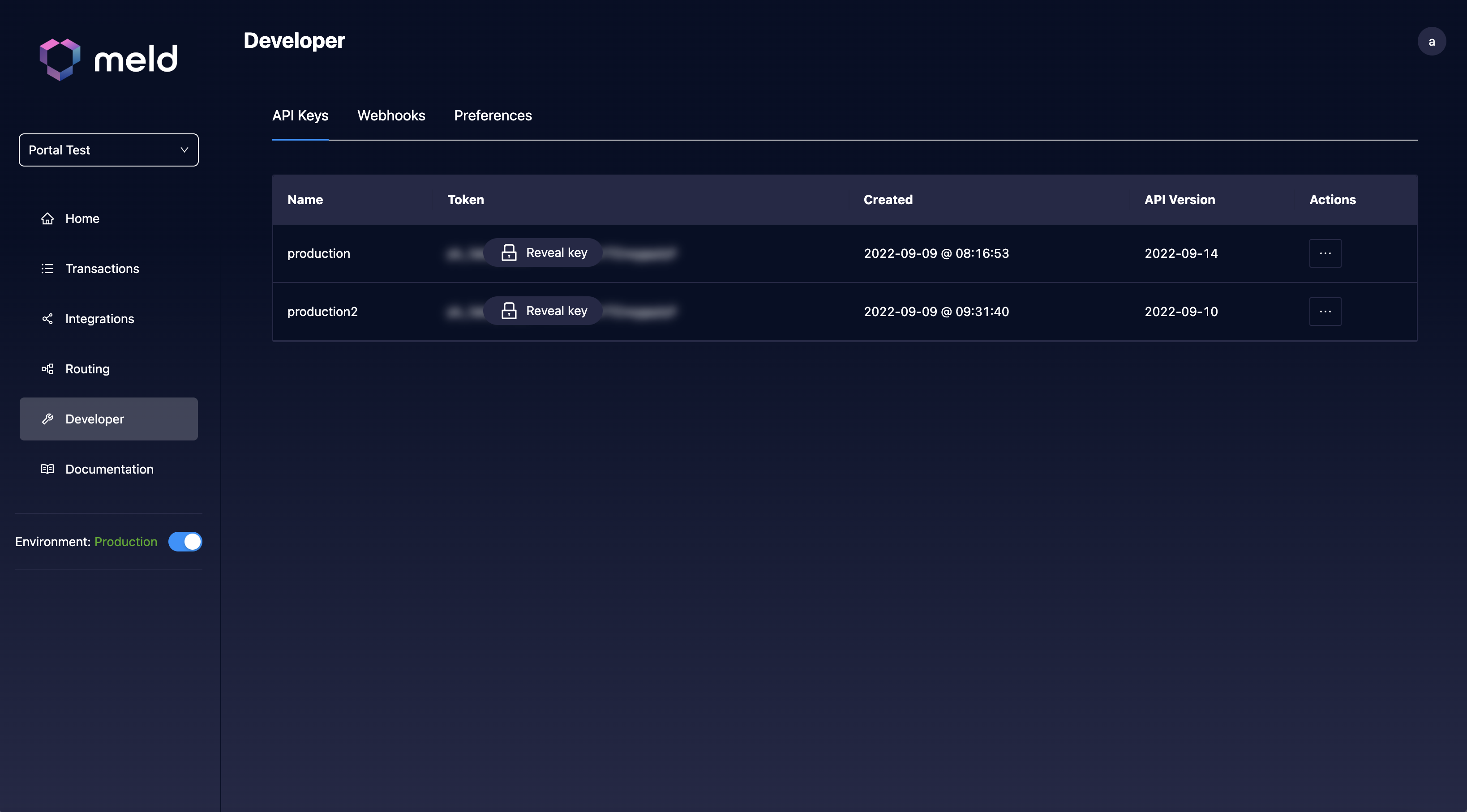
This section assumes you are not using Meld’s Crypto Wizard. If you are, see Using the Crypto Wizard below instead.- In the Meld Dashboard, open the Developer tab.
-
Click the API Keys subtab.
-
Copy the API key for your target environment:
- Production keys are tied to Meld’s production environment (
https://api.meld.io). - Sandbox keys are tied to Meld’s sandbox environment (
https://api-sb.meld.io).
- Production keys are tied to Meld’s production environment (
When making an API call, prefix the key with the word
BASIC in the Authorization header — for example, Authorization: BASIC <your-api-key>.Using the Crypto Wizard
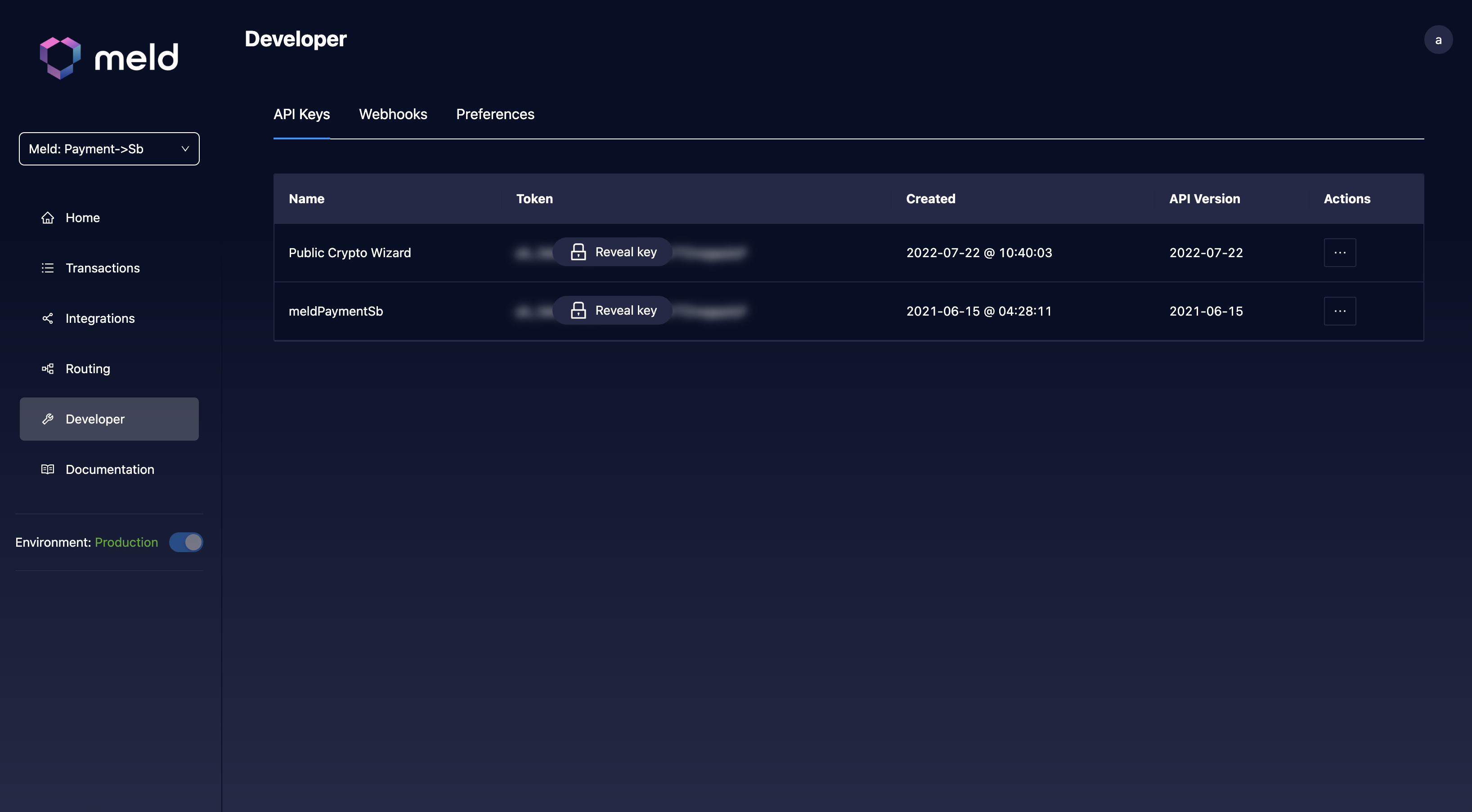
If you are only using the Meld Crypto Wizard, ignore any key marked Production or Sandbox. Instead, you will see a Public Crypto Wizard key as well, and the URL in the popup is the URL for your personal Crypto Wizard. Do not use any other API key for your Crypto Wizard — doing so may risk exposing sensitive data. This only applies to the Crypto Stack, not the Bank Linking or Payments stacks.