

Before you begin
- You have completed Step 2: Add your service providers so that Meld knows which providers to receive webhooks for.
- You have a publicly reachable HTTPS endpoint on your backend that can receive Meld’s webhook deliveries.
Steps
- Provider → Meld: In order for Meld to receive webhooks from the providers you configured in Step 2, set up these webhooks for each service provider. See Steps to send webhooks from the service provider to Meld.
-
Meld → You: If you want Meld to forward updates to your backend, go to the Developer tab → Webhooks subtab in the Dashboard and add an endpoint. See Steps to receive webhooks from Meld.
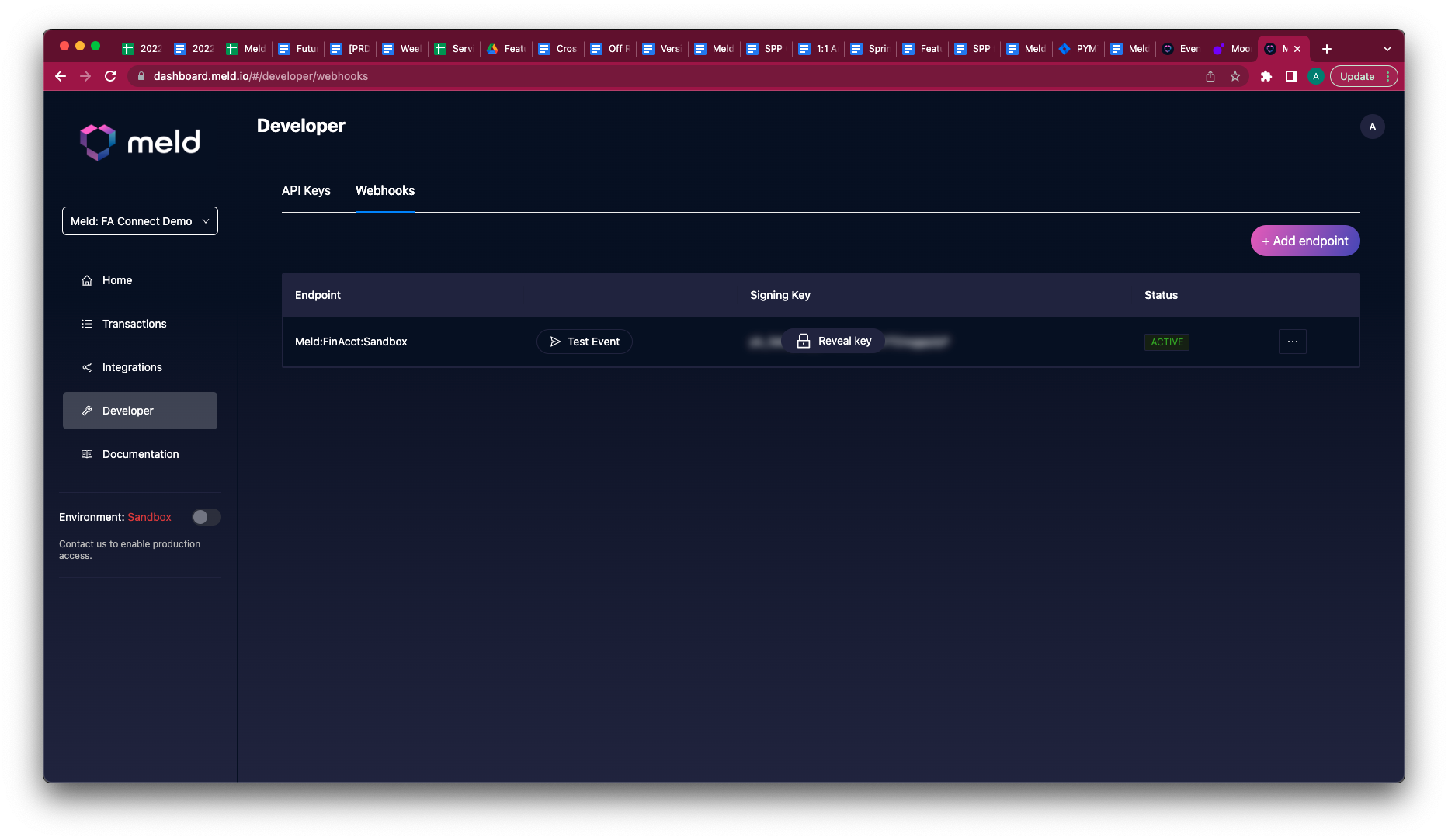
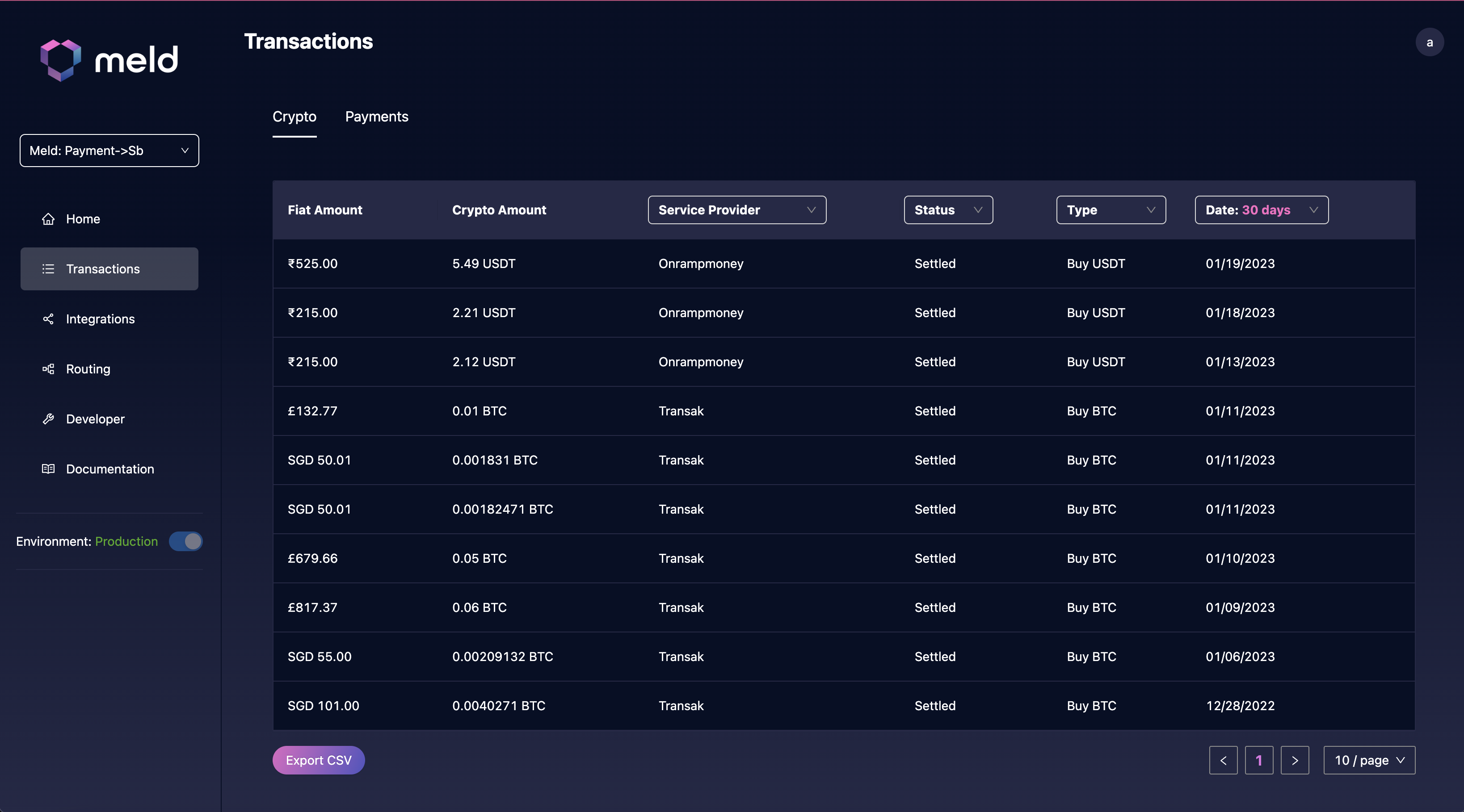
Step 1 (provider → Meld) is required for Meld to track your transactions and connections. Step 2 (Meld → you) is optional — you can use the Transactions tab in the Dashboard to view completed transactions and connections without forwarding webhooks.
 For details, see: