
Meld Dashboard Overview
The Meld Dashboard provides a centralized place to manage transactions, integrations, analytics, and developer settings for your account.
Getting Access
After receiving your dashboard invite link, create your dashboard password to activate access. Dashboard login: https://dashboard.meld.io/#/sign-in
What You Can Do in the Dashboard
-
View Transactions: Monitor all transactions processed through your account.
-
Network Partners: Check which ramp/network partners are enabled for your account in Integration Tab.
-
Transaction Data: Access detailed transaction information and history.
-
Analytics: View insights and performance data for transactions and supported markets.
-
Developer Section:
- Access and manage API Keys
- Meld checkout URL is only available on request. ** Please connect your account manager to Add**
- Configure Webhooks
-
User Management: Add or manage users through the Manage Users section.
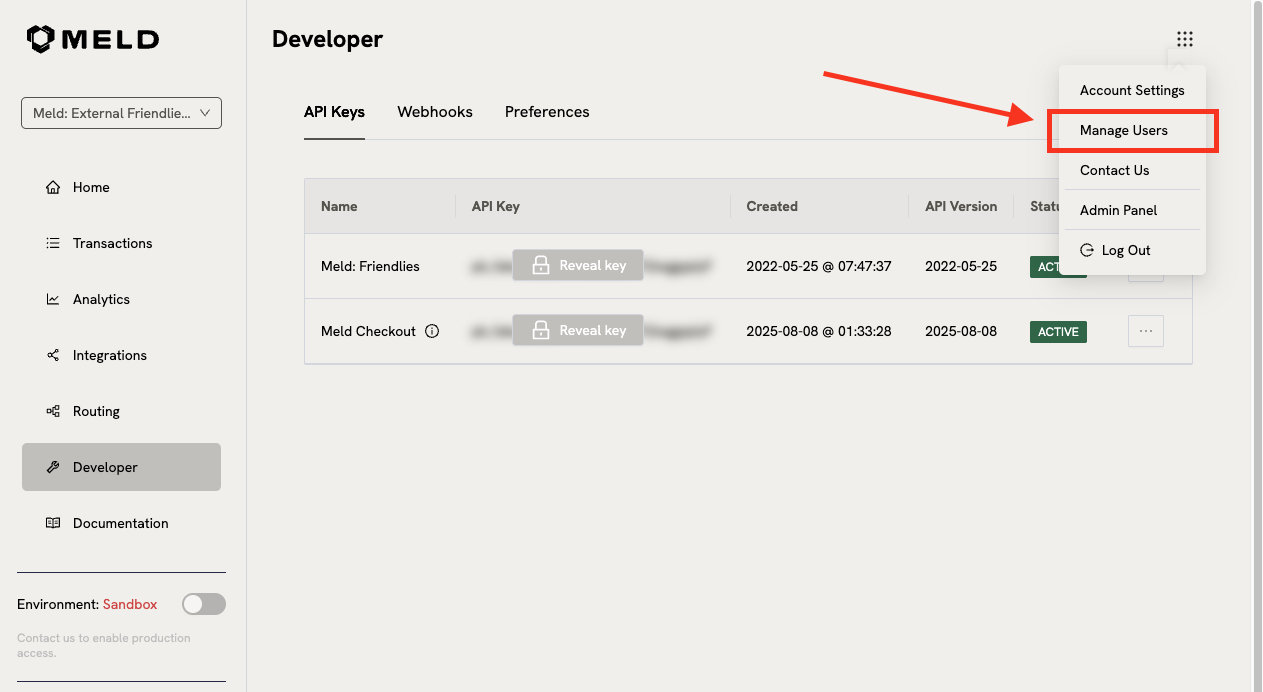
This dashboard helps you monitor activity, manage integrations, and control your account efficiently.
Updated about 1 month ago